Editable Templates vs. Printed & Shipped: Which One Is Right for You?
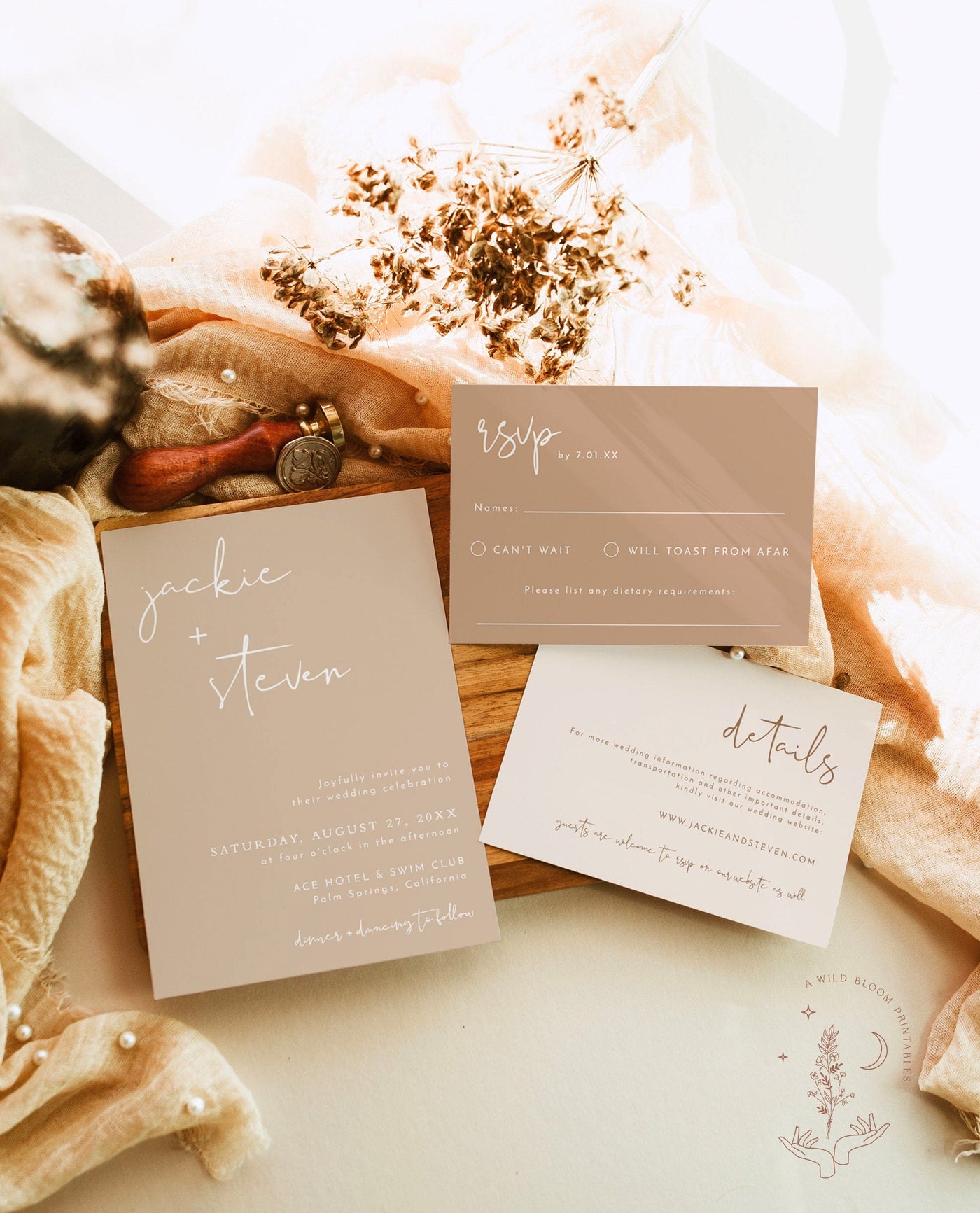
At some point in your wedding planning, you'll stare at your computer screen with a Canva template open and think: "Should I just print these myself?" It's a fair question. DIY invitations sound like a money-saver. But printed vs. DIY wedding invitations is one of those decisions that looks simple on the surface and gets complicated fast once you actually start doing it.
This isn't a sales pitch disguised as a blog post. We're going to lay out the real costs, the real time commitment, and the real quality difference so you can make the call that works for your budget, your timeline, and your sanity.
The Appeal of DIY Invitations (And Why It Makes Sense on Paper)
Let's start with the obvious: DIY invitations are cheaper upfront. If you already have a Canva account (free or Pro), you can pick a template, plug in your wedding details, and download the file in about 20 minutes. The design part is the easy part.
For brides on a tight budget — and honestly, that's most brides — the idea of saving $100-$300 on invitations is appealing. That money could go toward flowers, food, or literally anything else on the never-ending wedding expense list.
And if you're a creative person who genuinely enjoys design work, making your own invitations can feel like a fun part of the process rather than a chore. There's something satisfying about designing exactly what you want from scratch.
So yes, there are real reasons people go the DIY route. Now let's talk about what actually happens when you try to execute it.
The Hidden Costs of DIY Invitations
Your Printer Is Not a Print Shop
This is where the DIY dream usually hits its first wall. Your home inkjet printer was designed for school reports and the occasional photo. It was not designed to print 75 invitations on heavyweight cardstock with edge-to-edge color.
Here's what typically happens: the first few prints look decent. Then the colors start shifting because the ink cartridge is running low. You swap in a new cartridge ($30-$50 for color). The paper jams because home printers don't love thick cardstock. You lose 5-10 sheets to jams, misalignment, and smudges. The ink needs time to dry, so you're stacking damp invitations on every flat surface in your kitchen.
By the time you've printed all of them, you've burned through at least one full ink cartridge and probably two. Ink alone can cost $50-$80, depending on your printer.
Cardstock Costs Add Up
Decent invitation cardstock isn't cheap. You're looking at $0.15-$0.40 per sheet for anything that feels like an actual invitation and not a flyer. For 75 invitations plus extras (always print extras — you will mess some up), that's $15-$40 just for the paper. Add RSVP cards, detail cards, and belly bands if you're going that route, and you're easily at $40-$80 in paper costs alone.
The Cutting Problem
Unless you own a paper trimmer (a real one, not scissors), cutting invitations to size is a nightmare. Scissors give you wobbly edges. A home paper trimmer works but takes time — you're cutting one or two sheets at a time. And if your design has a border or frame, even a millimeter off-center is noticeable.
Plenty of brides end up buying a paper trimmer just for this project ($15-$30), adding yet another hidden cost to the "free" invitation plan.
Envelopes Are Their Own Project
People forget about envelopes until they're halfway through the invitation process. Quality envelopes that match your invitation style cost $0.25-$0.60 each. Then you need to address them — by hand (time-consuming), with printed labels (looks tacky if done poorly), or by running them through your printer (which jams on envelopes constantly).
The Time Cost Nobody Talks About
Here's the part that catches most brides off guard. The design takes 1-2 hours. But the production — printing, drying, cutting, stuffing, addressing, stamping — takes 6-10 hours for a batch of 75 invitations. That's an entire weekend day, or several evenings after work.
And that assumes everything goes smoothly. When you factor in the inevitable printer jam at 11pm, the trip to Staples because you ran out of ink on a Sunday, and the reprint of the 15 invitations that came out streaky — you're looking at closer to 12-15 hours total.
What is your time worth? If you value your free time at even $15/hour, that's $180 in time alone. Suddenly the "cheap" option isn't looking so cheap.
Printed vs. DIY Wedding Invitations: The Quality Gap
Set a professionally printed invitation next to a home-printed one. The difference is immediate and it's not subtle.

Burgundy Wedding Invitation Set with RSVP — starting at $63
Paper Quality
Professional printers use heavy cardstock (typically 100-120lb cover weight) that feels substantial in your hand. Home printer paper, even "premium" cardstock from the office supply store, feels thinner and flimsier. Guests notice. They might not say anything, but they notice.
Print Quality
Professional printing uses high-resolution digital or offset presses that produce crisp text, vibrant colors, and smooth gradients. Home inkjet printers produce visible dot patterns at close range, colors that shift from print to print, and text that isn't quite as sharp. The difference shows up most in detailed designs, small text, and color-heavy layouts.
The Finish
Professionally printed invitations come perfectly cut with clean edges. No trimming marks, no uneven borders, no fingerprint smudges from handling damp prints. They come out of the box ready to stuff in envelopes.
Consistency
When you print at home, invitation #1 and invitation #75 don't look the same. Ink levels change, paper alignment shifts, and colors drift. With professional printing, every single invitation is identical. That consistency matters when your guests are comparing notes.
The "Staples Run" Problem
Here's a scenario that plays out thousands of times every wedding season: A bride decides to print her own invitations. She designs something gorgeous in Canva. She buys cardstock online. She starts printing on a Tuesday night. The printer jams. She unjams it. The colors are off. She adjusts the settings. She runs out of ink. It's 9pm and Staples closes at 9. She drives across town to the one office supply store that's still open, buys a cartridge she's not even sure is the right one, gets home, installs it, reprints — and the colors are different now because the new cartridge isn't the same batch.
By Wednesday night, she's ordered professional invitations online and vowed never to print anything at home again.
This isn't a hypothetical. It's the most common story we hear from brides who end up ordering printed invitations after trying DIY first.
The Real Cost Comparison
Let's break down the actual numbers for a standard set of 75 wedding invitations:
DIY Cost Breakdown
- Cardstock (80 sheets + extras): $25-$40
- Ink cartridges (1-2): $30-$80
- Envelopes: $20-$45
- Paper trimmer (if you don't own one): $15-$30
- Canva Pro (optional): $13/month
- Wasted paper from misprints: $5-$15
- Material total: $95-$210
- Time investment: 8-15 hours
Professional Printed Invitations
- Custom designed and printed invitation set: $80-$200
- Envelopes included: $0 (most printed invitation orders include them)
- Cutting and finishing: $0 (done by the printer)
- Total: $80-$200
- Time investment: 15-30 minutes (choose design, submit details, approve proof)
The material costs are surprisingly close. The time difference is where professional printing wins by a landslide.
The Middle Ground: Custom Printed, Shipped With Envelopes
Here's what a lot of brides don't realize exists: a middle option between big-brand wedding stationery (Minted, Shutterfly, etc.) and full DIY. Small print shops and online stationery studios offer custom-designed invitations, professionally printed on premium cardstock, shipped to your door with matching envelopes — at a price point that sits between the big names and the cost of doing it yourself.

Modern Photo Wedding Invitation with Envelopes — starting at $63
You get the quality and convenience of professional printing without the premium markup. The designs are customizable (your names, your colors, your details). The paper is thick. The printing is crisp. And the envelopes match.
This is exactly the approach behind Wild Bloom's printed invitation collections. Custom designs, professionally printed, shipped with envelopes. No Staples runs. No printer jams. No cutting.
When DIY Actually Makes Sense
In the spirit of being honest, here are the situations where DIY invitations can work well:
- Very small guest lists (under 20). When you're printing a small batch, the per-unit cost stays low and the time commitment is manageable.
- You already own professional equipment. If you have a laser printer, a quality paper trimmer, and experience with print design, you can produce great results at home.
- Casual events. A backyard BBQ wedding or a laid-back bridal shower doesn't need ultra-premium invitations. A clean Canva design on decent cardstock works fine for casual events.
- Digital invitations. If you're going the digital/email route, the print quality debate is irrelevant. Canva or Paperless Post works great for digital invites.
For everything else — formal weddings, large guest lists, bridal showers, baby showers, and events where the invitation sets the tone — professional printing is the better move.
What About Canva Templates?
Canva is great design software. It makes beautiful digital designs accessible to everyone, and that's genuinely a good thing. The problem isn't the design tool — it's the printing step.
A Canva template looks fantastic on screen. The colors are rich, the fonts are crisp, the layout is balanced. Then you hit "print" on your home printer and the magic disappears. Screen colors and print colors are different systems (RGB vs CMYK), and what looks vibrant on your monitor comes out muddy or shifted on paper. That coral pink turns salmon. The navy blue turns almost black. The gold accent looks yellow.
If you love a Canva design, a smarter approach is to design it in Canva, export a high-resolution PDF, and have it professionally printed. You get the design you want with the print quality your guests deserve.
The Impression Factor
Your invitation is the first physical piece of your wedding that guests hold in their hands. It's the preview. It tells them what kind of event to expect.
A thick, professionally printed invitation on quality cardstock with clean edges and a matching envelope says: "This is going to be a beautiful, well-planned event." It gets pinned to fridges, propped up on desks, and photographed for social media.
A thin, home-printed invitation on flimsy paper with slightly crooked edges says... something different. Your guests won't judge you out loud, but the impression is set before they even read the details.
Fair or not, first impressions matter. And your invitation is literally the first impression of your wedding.

Pearls and Prosecco Bridal Shower Invitation — starting at $56.99
People Also Ask
Is it cheaper to print your own invitations?
Not always. When you add up cardstock, ink cartridges, envelopes, a paper trimmer, and wasted materials from misprints, DIY invitations typically cost $95-$210 for 75 invitations. Professionally printed invitations with envelopes included usually run $80-$200 for the same quantity. The material costs are comparable, but DIY takes 8-15 hours of your time on top of the material cost.
Are printed invitations better than digital?
It depends on the event. For formal weddings, milestone birthdays, and traditional showers, printed invitations make a stronger impression and feel more personal. For casual gatherings, last-minute events, or eco-conscious couples, digital invitations work perfectly. Many couples use a hybrid approach: printed invitations for close family and the wedding party, digital for the wider guest list.
How much do custom printed invitations cost?
Custom printed invitations typically cost $1.50-$4.00 per invitation, depending on the design complexity, paper weight, and extras (envelope liners, belly bands, RSVP cards). A standard order of 75 invitations with envelopes runs $80-$200 from most online stationery shops. High-end letterpress or foil-stamped invitations from luxury brands can cost $5-$15+ per invitation.
Is Canva good for wedding invitations?
Canva is excellent for designing wedding invitations — the templates are beautiful and easy to customize. The challenge is the printing step. Canva designs look great on screen but often print differently on home printers due to color system differences (RGB vs CMYK). For best results, design in Canva and have the file professionally printed rather than printing at home.
Should I order extra invitations?
Yes, always order 10-15% more invitations than you think you need. Extra invitations cover mistakes in addressing, last-minute additions to the guest list, keepsakes for the couple and parents, and replacements for invitations lost in the mail. Running out and having to reorder a small batch is significantly more expensive per unit than ordering extras upfront.
How far in advance should I order bridal shower invitations?
Order bridal shower invitations 8-10 weeks before the shower. This gives you time to finalize the design (1 week), get them printed and shipped (1-2 weeks), address and mail them (1 week), and have them arrive 4-6 weeks before the event. Guests need at least a month's notice, and some will need more if the shower involves travel.
Ready to skip the printer jams and get invitations that actually match what you designed? Browse professionally printed invitation collections and find your style — custom designed, printed on premium cardstock, and shipped with envelopes.